
FikarFix...
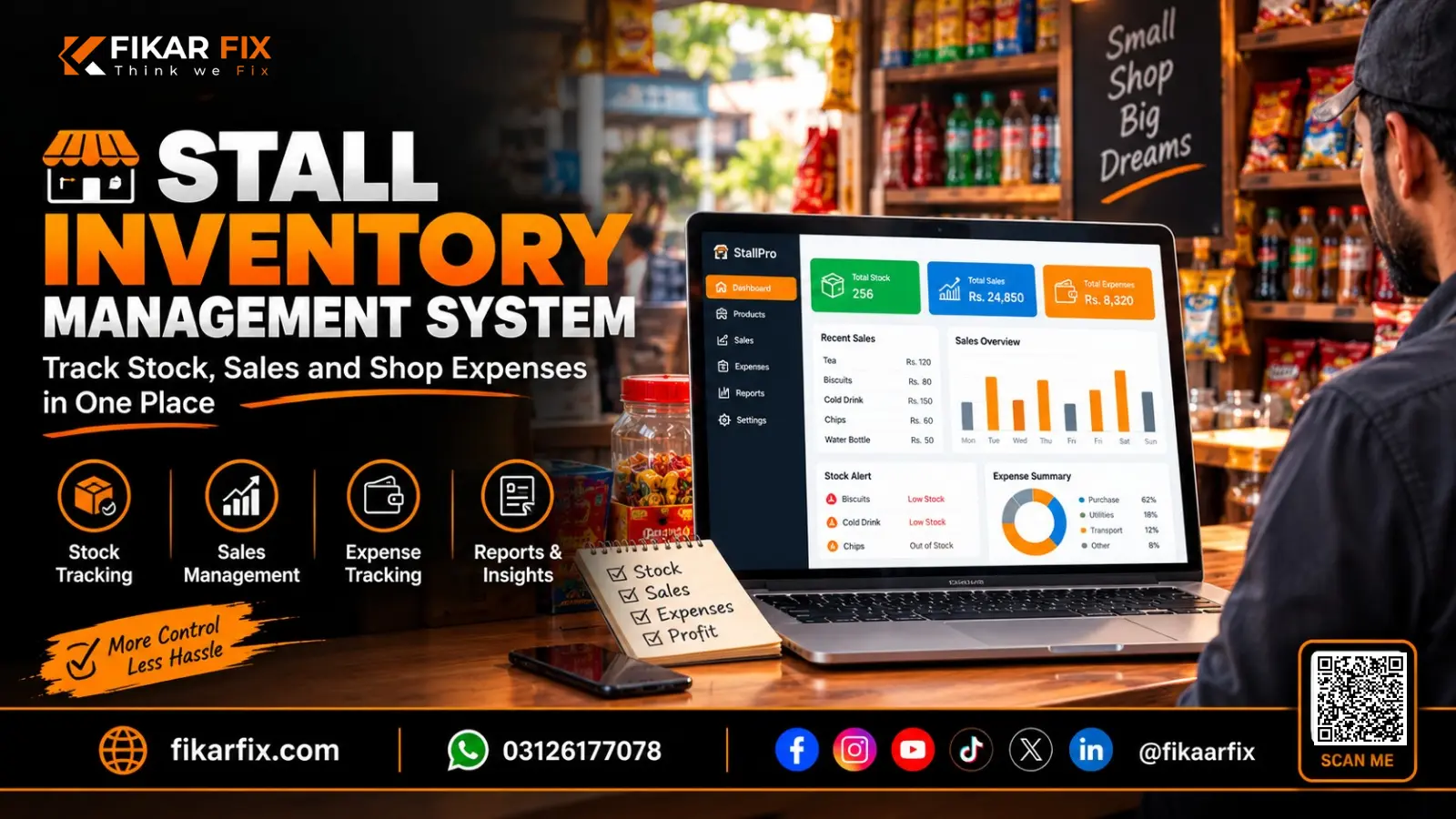
Stall Inventory Management System: Track Stock, Sales and Shop Expenses in One Place
Oct 29, 2026
App Development
45 views
Stall Inventory Management System: Track Stock, Sales and Shop Expenses in One Place
How FikarFix Helps Stall Owners Manage Products, Daily Sales, Inventory and Customer Credit
Umar Shahzad Nasir
Running a small shop or stall involves more than selling products. Owners must keep track of stock, record every sale, monitor expenses, manage customer credit and decide when to restock. When these tasks depend on paper registers or scattered spreadsheets, it can become difficult to understand how the business is performing.
The FikarFix Stall Inventory System brings essential shop operations into one digital workspace. From recording counter sales to reviewing inventory value and monthly expenses, it helps owners organise important business records and gain a clearer view of daily operations.
Why Manual Shop Management Becomes Difficult
A notebook may be enough when a business has only a few products and customers. But as sales increase, the number of records grows too.
Owners may need to answer important questions throughout the day:

- Which products are selling the fastest?
- How many units remain in stock?
- How much did the shop sell this month?
- How much money is tied up in inventory?
- Which customers have outstanding credit?
- How much has the business spent on rent, electricity and supplies?
When these details are recorded separately, finding accurate answers can take time. A digital inventory and point-of-sale system helps organise these records and makes everyday shop management more structured.
What Can You Manage with FikarFix Stall Inventory System?
The FikarFix system brings several practical tools together to support everyday retail operations.

1. Sales Dashboard and Business Overview
A business owner needs more than a record of individual transactions. They also need an overview of how the shop is performing.
The dashboard provides a summary of key figures, including monthly sales, gross profit, shop expenses and stock value. It also displays best-selling products and a breakdown of recorded expenses.
This helps owners review important business information without manually calculating every figure from separate registers.
2. Fast Counter Billing and Point of Sale
The counter is where many daily shop operations begin. A slow or disorganised billing process can make busy periods more difficult to manage.
FikarFix provides a dedicated point-of-sale counter where staff can search for products, browse product categories, add items to a bill and review the total before completing a transaction.
The counter also supports cash and udhaar payment options, helping shops record immediate payments and credit-based sales through the same workflow.
3. Inventory and Stock Management
Stock management helps owners understand what they have available to sell and which products may need attention.
The inventory section displays product information such as SKU, category, buying price, selling price, opening stock, current quantity, units sold and stock value. Owners can also search products and filter records by category, stock status or shelf.
A clear inventory record makes it easier to review product availability, identify low-stock items and understand how much stock the business holds.
4. Sales History and Transaction Records
Recording a sale is only one part of managing a business. Owners may also need to review previous transactions, check payment details or verify a bill.
The sales log organises recorded bills and provides sales summaries, gross-profit figures and transaction details. Search and date filters help users locate relevant records, while the available bill actions support receipt printing and the management of voided transactions.
This creates a more organised way to review sales activity instead of relying entirely on paper receipts.
5. Restocking and Stock Replenishment
Running out of a popular product can mean missed sales opportunities. Ordering too much stock, on the other hand, can tie up money unnecessarily.
FikarFix includes a restocking section where users can select a product, enter the quantity received and add a supplier or invoice note. Restocking records can then be reviewed using product searches and date filters.
By keeping stock replenishment records in the same system as inventory, shop owners can maintain a clearer picture of incoming products and available quantities.
6. Shop Expenses and Gross Profit Overview
Sales figures alone do not explain the complete financial position of a shop. Business expenses also affect how much money remains after operating costs.
The dashboard includes a shop-expense summary, with entries such as rent, electricity, transport and supplies. It also displays gross profit and a net-after-expenses figure based on the recorded amounts.
These figures should be understood correctly: gross profit is not the same as net profit, and the final financial picture depends on the accuracy and completeness of recorded costs and other transactions.
Keeping expenses organised gives owners a more useful starting point for reviewing business performance.
7. Cash Sales and Udhaar Khata
In many retail businesses, customers pay immediately while others purchase on credit. Managing both types of transactions requires clear records.
FikarFix supports cash and udhaar options at the point of sale. This allows the shop to record transactions according to the selected payment method.
A structured process can help owners review credit-based sales and maintain better control over the amounts recorded as outstanding. Staff should follow the shop's agreed process for recording and collecting customer payments.
How FikarFix Supports Daily Shop Operations
A digital system becomes useful when it fits naturally into the business's daily routine.
Consider a shop that sells air fresheners and other everyday products. At the beginning of the day, the owner can review the inventory and check available quantities. During business hours, staff can create bills through the counter. When new stock arrives, they can record the restocking entry. At the end of the day, the owner can review sales and check the recorded figures.
The workflow brings several activities together:
Review Stock → Record Sales → Update Inventory → Add Restock Entries → Review Business Figures
Instead of maintaining separate records for each activity, the team can use a shared digital workspace for the available operations.
Who Can Benefit from a Stall Inventory System?
FikarFix Stall Inventory System may be useful for small businesses that need a structured way to manage products, transactions and shop expenses.
Potential users include:
- Small retail stalls and independent shop owners
- Shops selling personal-care and household products
- Businesses managing multiple product categories
- Retailers who need to record cash and credit sales
- Owners who want a clearer view of inventory and monthly performance
The best fit depends on the shop's workflow, product range and operational requirements. Businesses should review the system's available features before deciding whether it meets their needs.
A Practical Example: From Stock Registers to Digital Records
Imagine a small retail stall selling 30 or more products. The owner records purchases in one notebook, sales in another and expenses in a separate file.
At the end of the month, the owner must compare the records to understand which products sold well, how much stock remains and how much the shop spent on operating costs.
With a digital inventory system, product records, sales history, restocking entries and expense summaries can be managed in one place. The owner can review available dashboard figures and investigate individual records when more detail is needed.
This example illustrates the potential benefit of connected records. Actual results depend on how accurately the system is maintained and how consistently staff use it.
The FikarFix Perspective
Technology should make everyday business management clearer, not more complicated.
For a stall owner, this does not necessarily mean adopting a complicated enterprise platform. It means having practical tools for the work that happens every day: selling products, checking stock, recording expenses and reviewing transactions.
FikarFix Stall Inventory System brings these core activities into one workspace. By moving away from disconnected records, owners can establish a more organised process and spend less time searching for information.
The real value comes from consistent use. Accurate product costs, timely stock updates and complete transaction records help turn a digital system into a more useful management tool.
Explore FikarFix Stall Inventory System
If you manage a shop or retail stall and want a more organised way to handle inventory, counter billing, restocking and sales records, explore the FikarFix Stall Inventory System.
Visit the system to review its interface and discuss whether its available features match your business requirements.
Explore the System: https://pos.fikarfix.com/login
FikarFix — Think, We Fix.
Frequently Asked Questions
What is a stall inventory management system?
A stall inventory management system is a digital tool that helps shop owners organise product records, track stock quantities, record sales and review inventory information.
Can FikarFix record daily sales?
Yes. The system includes a point-of-sale counter and a sales log for recording and reviewing transactions.
Can I manage stock and restocking in the same system?
Yes. The available interface includes inventory management and a restocking section for recording incoming product quantities.
Does FikarFix support cash and udhaar sales?
The point-of-sale interface includes cash and udhaar payment options for recording transactions according to the selected payment method.
Can I review shop expenses and gross profit?
Yes. The dashboard displays recorded shop expenses, sales figures, gross profit and a net-after-expenses summary. The accuracy of these figures depends on complete and correct records.
Is the system suitable for a small retail stall?
It may be suitable for small retailers who want to organise product inventory, counter sales, restocking and shop expenses. Owners should review the available workflow and features to confirm suitability for their specific business.
How can I explore the FikarFix system?
Visit https://pos.fikarfix.com/login to view the system's entry page and explore the available demonstration options. Contact FikarFix if you need help confirming the features or setup requirements for your business.
Recent Posts
FikarFix
Ask about the company & projects
Hi, I am the FikarFix assistant. Ask me about the company, our services, or recent projects.